# 安装Dockerhttps://docs.docker.com/get-docker/# 安装Docker Composehttps://docs.docker.com/compose/install/# CentOS安装Dockerhttps://mp.weixin.qq.com/s/nHNPbCmdQs3E5x1QBP-ueA详见:https://gitee.com/thinkcmf/docker
yum install -y git
mkdir thinkcmfcd thinkcmf
git clone https://gitee.com/thinkcmf/docker.git
docker/|-- docker-compose.yml|-- LICENSE|-- nginx| `-- nginx.conf|-- php| `-- php.ini|-- php-fpm| |-- Dockerfile| `-- get-thinkcmf.sh|-- php-swoole| `-- Dockerfile|-- php-workerman| `-- Dockerfile|-- README.md`-- shell `-- build.sh6 directories, 10 files目录说明:mysql/data 存放mysql持久化数据nginx 存放nginx配置php 存放php配置 php.iniphp-fpm 存放fpm服务的php镜像构建文件php-swoole 存放swoole服务的php镜像构建文件php-workerman 存放workerman服务的php镜像构建文件redis/data 存放redis持久化数据shell 存放shell脚本www 存放项目cd docker
详见:https://gitee.com/thinkcmf/docker/blob/master/docker-compose.yml
version: "3"services: nginx: image: nginx:alpine restart: always container_name: thinkcmf-nginx ports: - "80:80" volumes: - ./www/thinkcmf/:/var/www/html/:rw - ./nginx/nginx.conf:/etc/nginx/nginx.conf networks: - web php-fpm: image: thinkcmfpro/thinkcmf:latest restart: always container_name: thinkcmf-php-fpm volumes: - ./www/thinkcmf/:/var/www/html/:rw - ./php/php.ini:/usr/local/etc/php/conf.d/php.ini environment: - DATABASE_HOSTNAME=mysql - DATABASE_USERNAME=root - DATABASE_PASSWORD=thinkcmf - DATABASE_DATABASE=thinkcmf networks: - web mysql: image: mysql:latest restart: always container_name: thinkcmf-mysql volumes: - ./mysql/data/:/var/lib/mysql/ environment: - MYSQL_ROOT_PASSWORD=thinkcmf networks: - web redis: image: redis:alpine restart: always container_name: thinkcmf-redis volumes: - ./redis/data:/data networks: - web adminer: image: adminer container_name: thinkcmf-mysql-manage environment: - ADMINER_DEFAULT_SERVER=mysql - ADMINER_DEFAULT_USER=root ports: - "1000:8080" depends_on: - mysql networks: - web restart: always phpredisadmin: image: erikdubbelboer/phpredisadmin container_name: thinkcmf-redis-manage environment: - TZ=Asia/Shanghai - REDIS_1_HOST=redis - REDIS_1_PORT=6379 - ADMIN_USER=thinkcmf - ADMIN_PASS=thinkcmf ports: - "2000:80" depends_on: - redis networks: - web restart: alwaysnetworks: web:使用说明:# 1、mysql数据库账户:root 数据库密码:thinkcmf 数据库地址:mysql# 2、redis默认没账号密码# 3、adminer管理mysql集群访问地址:http://127.0.0.1:1000/# 4、phpredisadmin管理redis集群访问地址:http://127.0.0.1:2000/管理平台账号:thinkcmf管理平台密码:thinkcmfcp docker-compose.yml docker-compose.yml-bak
# 注释versionsed -i 's/version/#version/g' docker-compose.yml# 修改nginx的映射端口,通过8080端口对外访问sed -i 's/80:80/8080:80/g' docker-compose.yml详见:https://gitee.com/thinkcmf/docker/blob/master/nginx/nginx.conf
worker_processes auto;events { worker_connections 1024;}http { include mime.types; default_type application/octet-stream; server_names_hash_bucket_size 128; client_header_buffer_size 32k; large_client_header_buffers 4 32k; client_max_body_size 10m; client_body_buffer_size 10m; sendfile on; tcp_nopush on; keepalive_timeout 120; server_tokens off; tcp_nodelay on; fastcgi_connect_timeout 300; fastcgi_buffer_size 64k; fastcgi_buffers 4 64k; fastcgi_busy_buffers_size 128k; fastcgi_temp_file_write_size 128k; fastcgi_intercept_errors on; #Gzip Compression gzip on; gzip_buffers 16 8k; gzip_comp_level 6; gzip_http_version 1.1; gzip_min_length 256; gzip_proxied any; gzip_vary on; gzip_types text/xml application/xml application/atom+xml application/rss+xml application/xhtml+xml image/svg+xml text/javascript application/javascript application/x-javascript text/x-json application/json application/x-web-app-manifest+json text/css text/plain text/x-component font/opentype application/x-font-ttf application/vnd.ms-fontobject image/x-icon; gzip_disable "MSIE [1-6]\.(?!.*SV1)"; open_file_cache max=1000 inactive=20s; open_file_cache_valid 30s; open_file_cache_min_uses 2; open_file_cache_errors on; server { listen 80; server_name localhost; index index.html index.htm index.php; root "/var/www/html/thinkcmf/public"; location / { if (!-e $request_filename) { rewrite ^/(.*)$ /index.php?s=$1; } } location /api/ { if (!-e $request_filename) { rewrite ^/api/(.*)$ /api.php?s=$1; } } location ~ .*\.(wma|wmv|asf|mp3|mmf|zip|rar|jpg|gif|png|swf|flv|mp4)$ { if ($invalid_referer) { return 403; } } location ~ \.php { fastcgi_pass php-fpm:9000; fastcgi_index index.php; include fastcgi_params; set $real_script_name $fastcgi_script_name; if ($fastcgi_script_name ~ "^(.+?\.php)(/.+)$") { set $real_script_name $1; #set $path_info $2; } fastcgi_param SCRIPT_FILENAME $document_root$real_script_name; fastcgi_param SCRIPT_NAME $real_script_name; #fastcgi_param PATH_INFO $path_info; } location ~ .*\.(gif|jpg|jpeg|png|bmp|swf|flv|mp4|ico)$ { expires 30d; } location ~ .*\.(gif|jpg|jpeg|png|bmp|swf|flv|mp4|ico)$ { expires 30d; } location ~ .*\.(gif|jpg|jpeg|png|bmp|swf|flv|mp4|ico)$ { expires 30d; access_log off; } location ~ .*\.(js|css)?$ { expires 7d; access_log off; } location ~ /\.ht { deny all; } location ~* \/upload\/.+\.(html|php)$ { return 404; } location ~* ^\/plugins\/.+\.(html|php)$ { return 404; } location ~* \/themes\/.+\.(html|php)$ { return 404; } }}详见:https://gitee.com/thinkcmf/docker/blob/master/php/php.ini
display_errors = On
docker-compose up -d
docker ps
docker-compose down
docker rmi nginx:alpine \ thinkcmfpro/thinkcmf:latest \ mysql:latest \ redis:alpine \ adminer \ erikdubbelboer/phpredisadmin
rm -rf ./mysql/data ./redis/data ./www
假设当前ip为192.168.186.128浏览器访问:http://192.168.186.128:8080
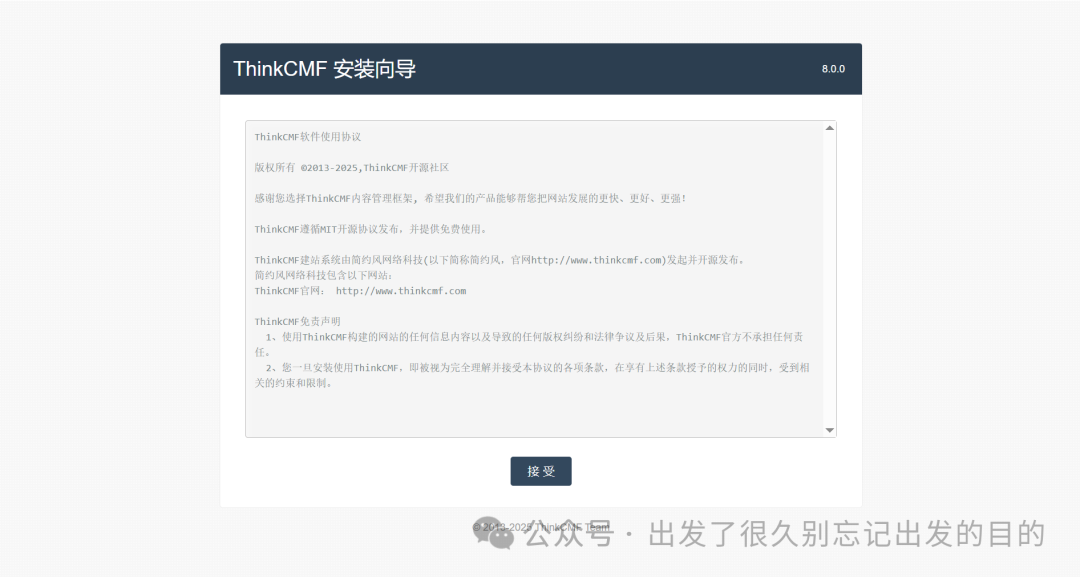
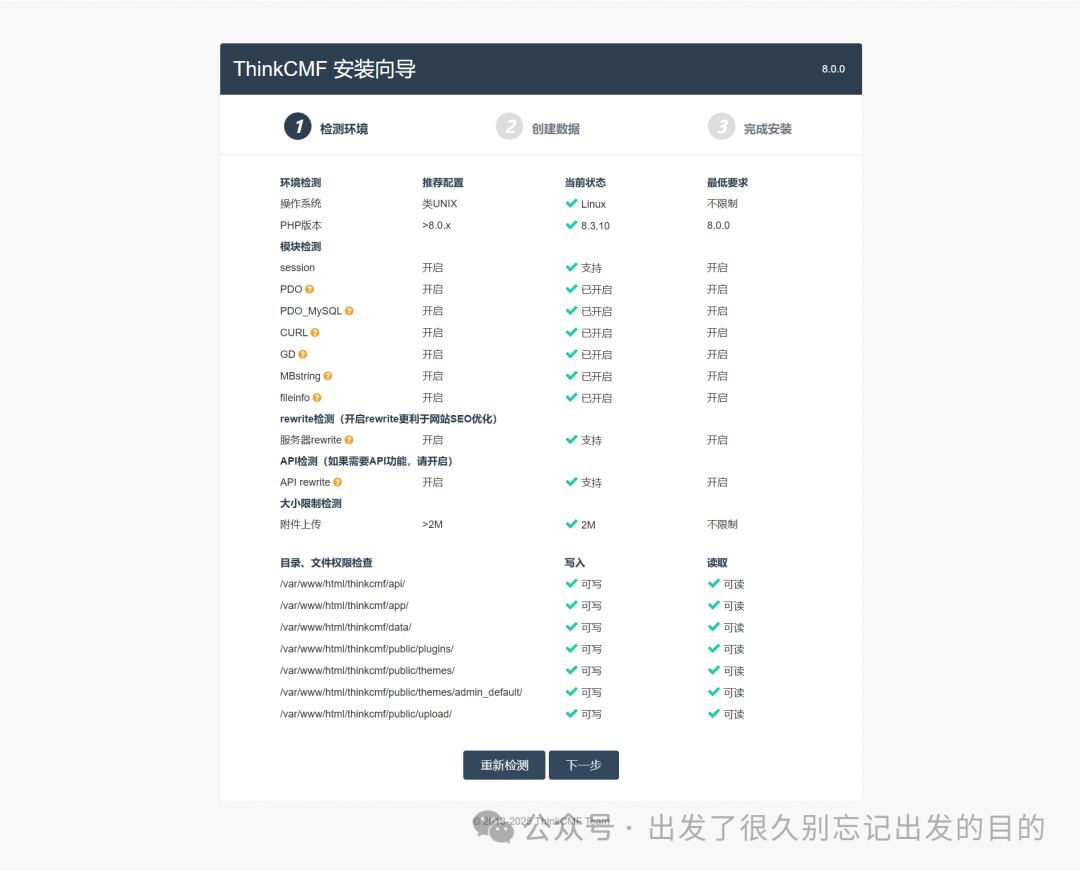
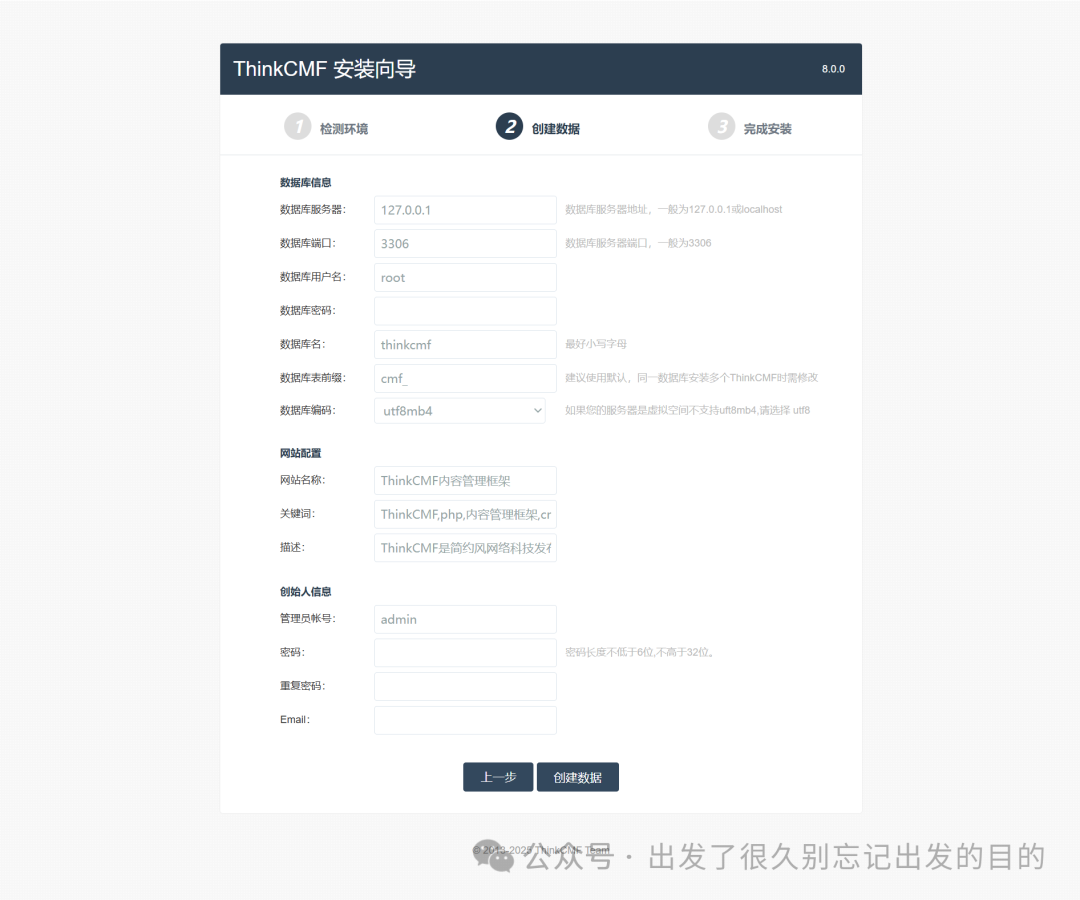
# 数据库信息数据库服务器:mysql数据库端口:3306数据库用户名:root数据库密码:thinkcmf数据库名:thinkcmf数据库表前缀:cmf_数据库编码:utf8mb4# 网站配置网站名称:关键词:描述:# 创始人信息管理员帐号:密码:重复密码:Email: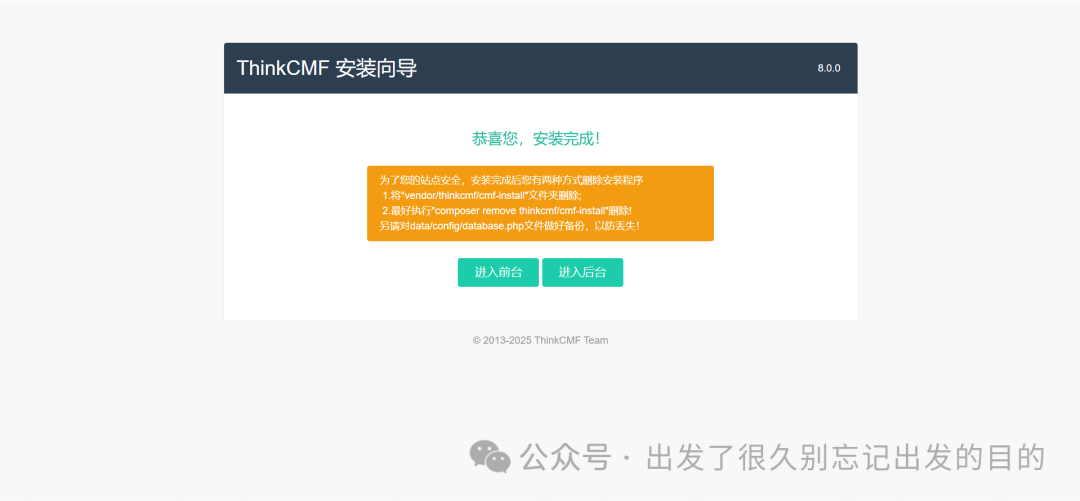
为了您的站点安全,安装完成后您有两种方式删除安装程序1.将"vendor/thinkcmf/cmf-install"文件夹删除; 2.最好执行"composer remove thinkcmf/cmf-install"删除!另请对data/config/database.php文件做好备份,以防丢失!
# 1、进入容器docker exec -it thinkcmf-php-fpm bash# 2、删除cmf-install目录# 列出文件和目录:ls# 切换目录:cd thinkcmf# 列出文件和目录:ls# 删除目录:rm -rf vendor/thinkcmf/cmf-install# 删除依赖包:# composer remove thinkcmf/cmf-install# 3、备份database.php文件cp data/config/database.php data/config/database.php-bak# 4、退出容器exit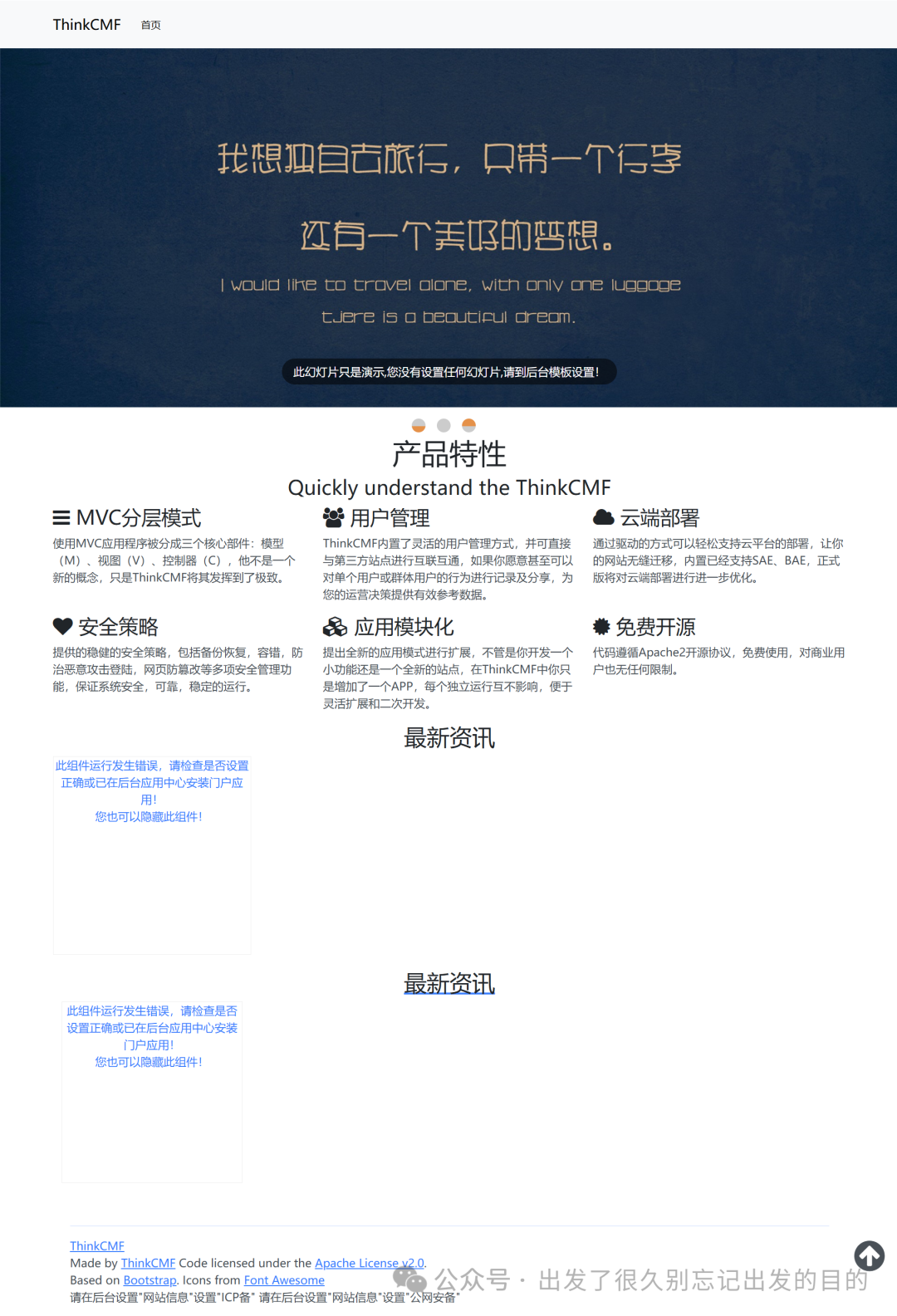
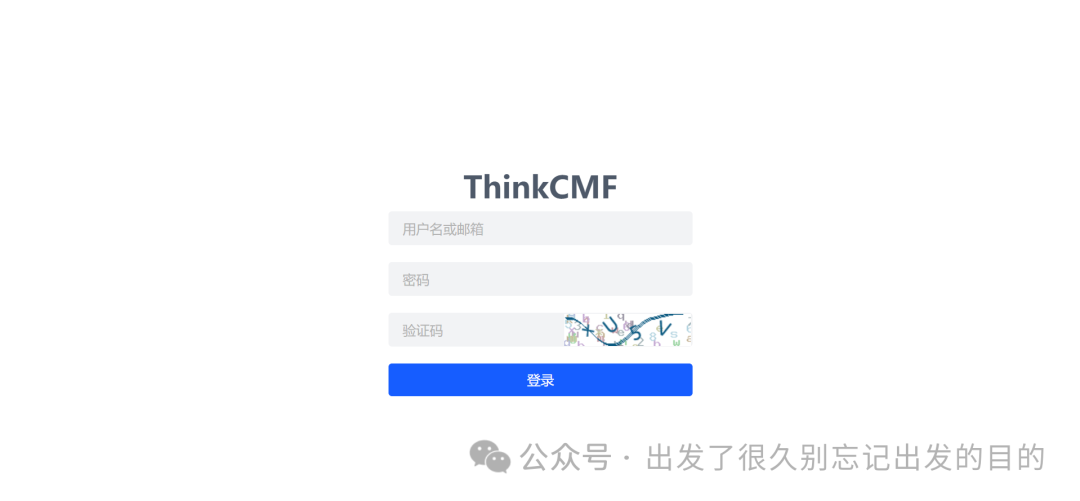
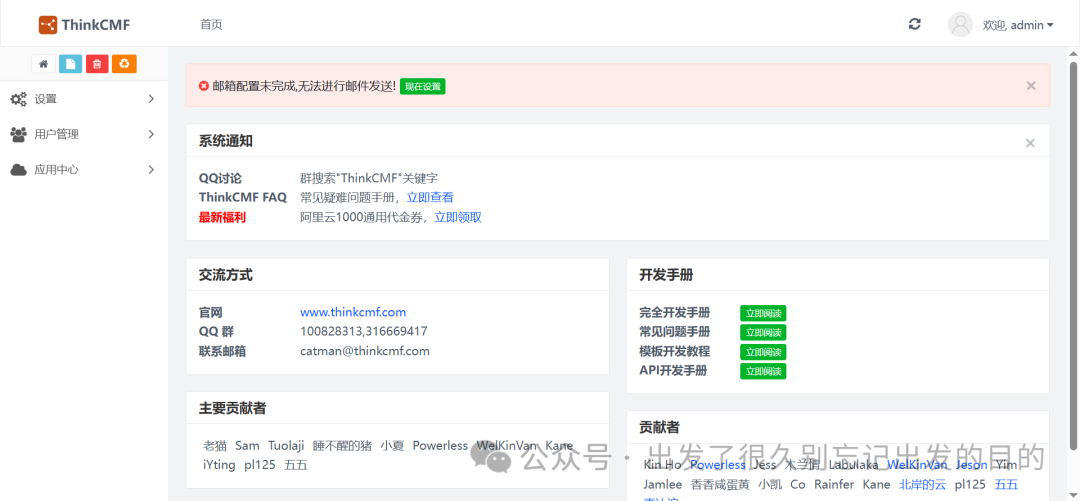
假设当前ip为192.168.186.128浏览器访问:http://192.168.186.128:1000系统:MySQL / MariaDB服务器:mysql用户名:root密码:thinkcmf数据库:thinkcmf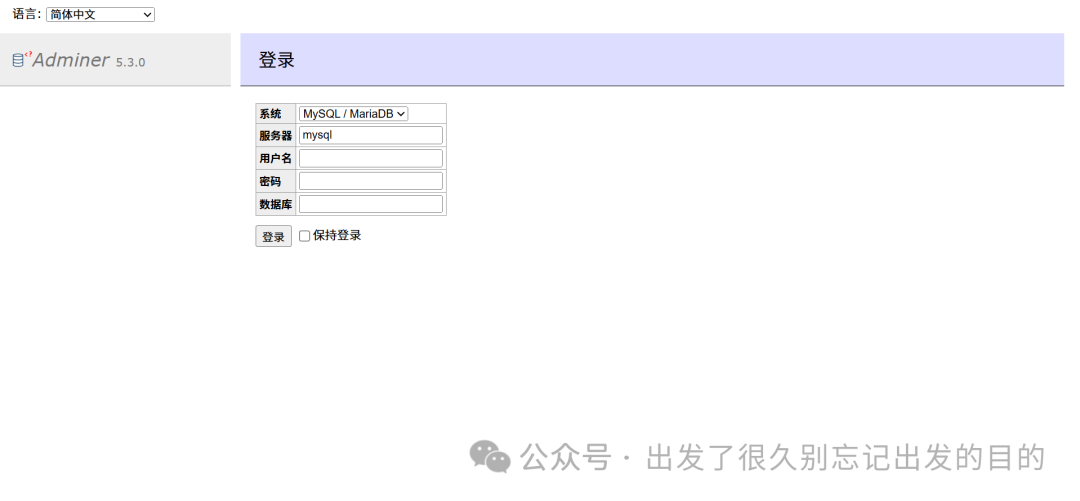
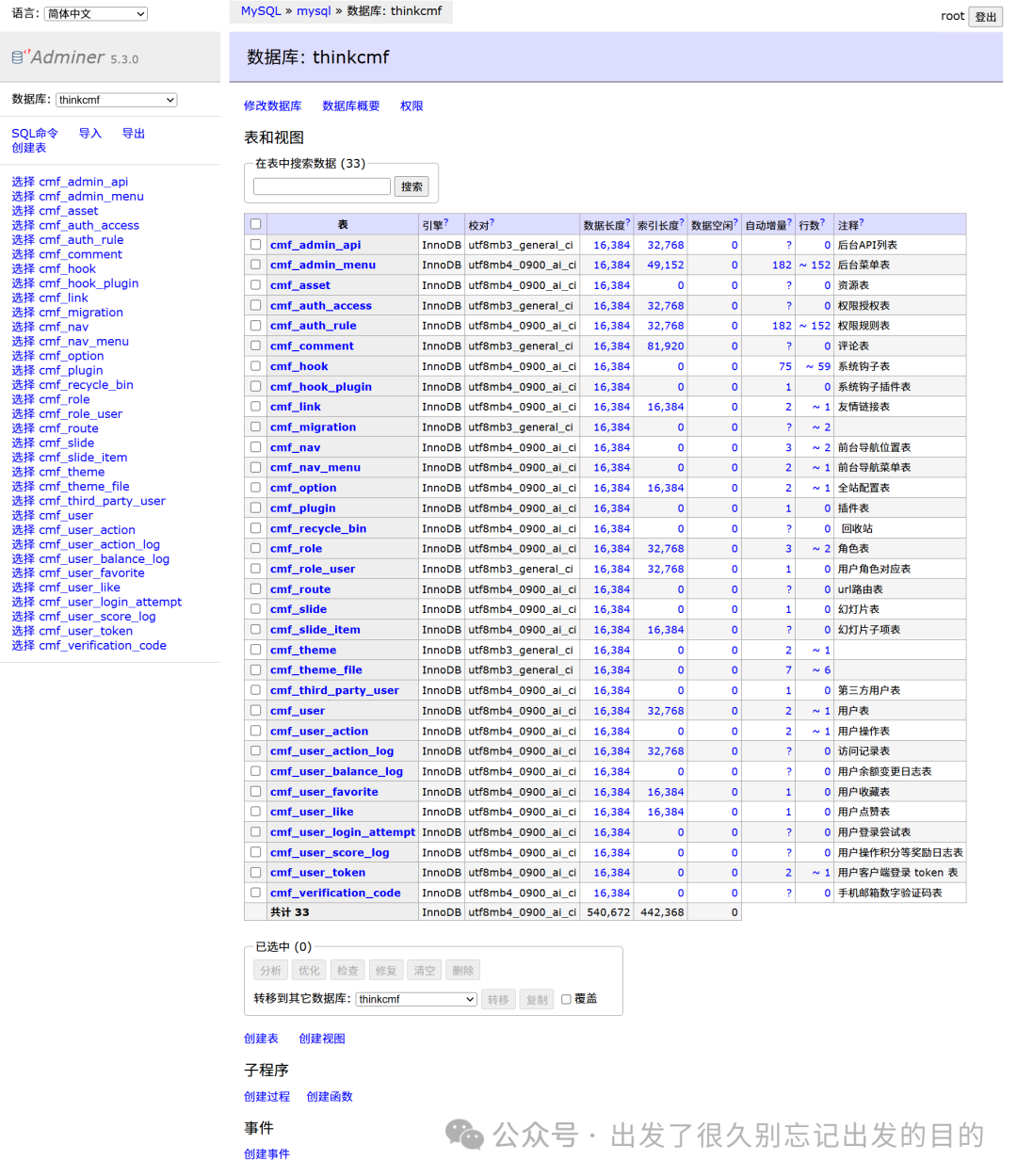
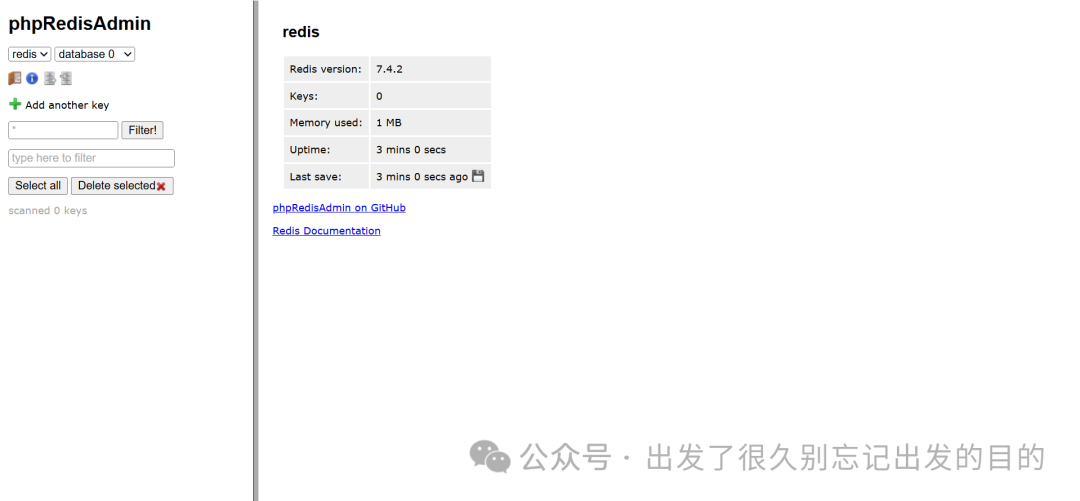
假设当前ip为192.168.186.128浏览器访问:http://192.168.186.128:2000用户名:thinkcmf密码:thinkcmf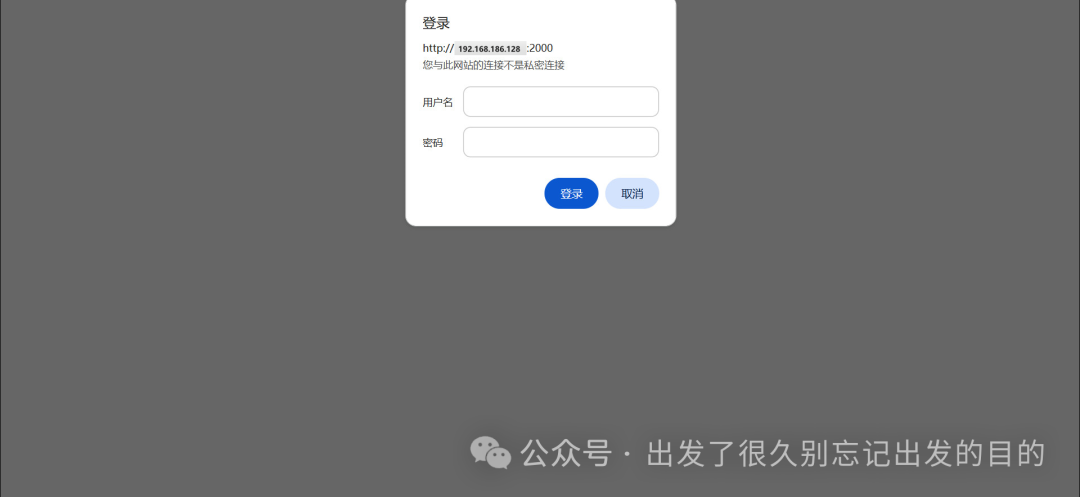
https://www.thinkcmf.com/https://gitee.com/thinkcmf/ThinkCMFhttps://github.com/thinkcmf/thinkcmfhttps://gitee.com/thinkcmf/docker

 支付宝微信扫一扫,打赏作者吧~
本文链接:https://www.kinber.cn/post/6144.html 转载需授权!
推荐本站淘宝优惠价购买喜欢的宝贝:
 您阅读本篇文章共花了: