欧洲高性价比容器服务器VPS白嫖指南,零基础部署私有应用
作为常年折腾服务器的技术人,星哥最近挖到个宝藏 —— 一款欧洲节点的容器 VPS 居然能白嫖!配置足够支撑小型私有应用,延迟和稳定性表现超出预期。
今天就带大家从注册到部署应用,一步步拆解保姆级教程,不管你是新手还是老司机,跟着操作就能搞定,建议收藏备用~

wispbyte
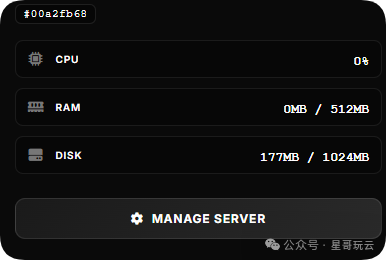
提供一个free plan计划:512MB 内存、1GB 存储,可以7X24小时运行
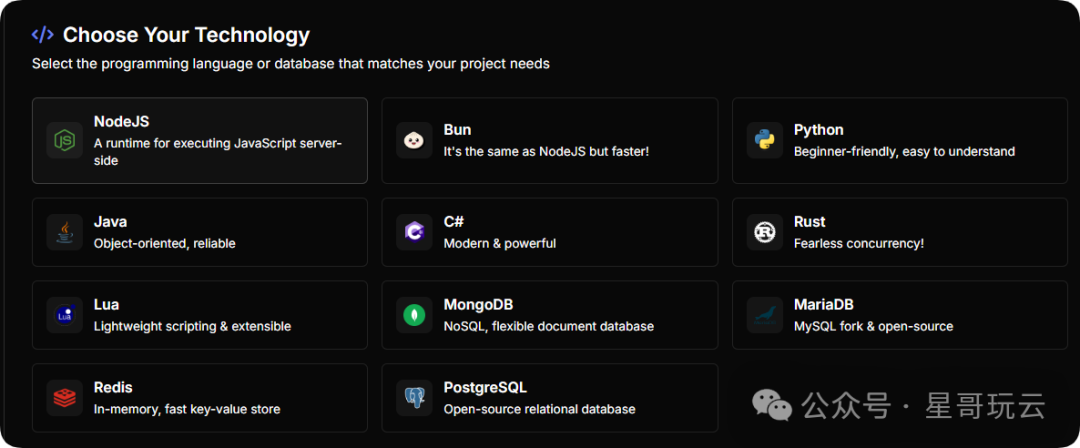
支持多种的技术栈例如 NodeJS、Bun、Python、Java、C#、MariaDB等
注册账号,免费领取欧洲容器 VPS
1.打开官网注册
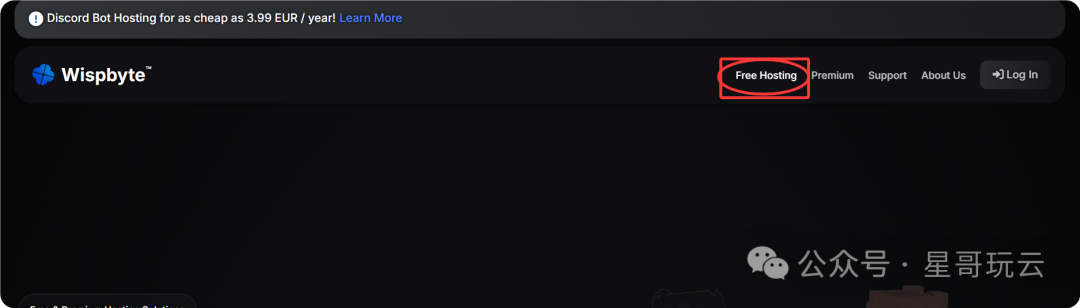
(wispbyte.com),点击右上角 "Free Hosting" 注册账号;
2.点击create a new account

使用邮箱、谷歌、github注册账号。
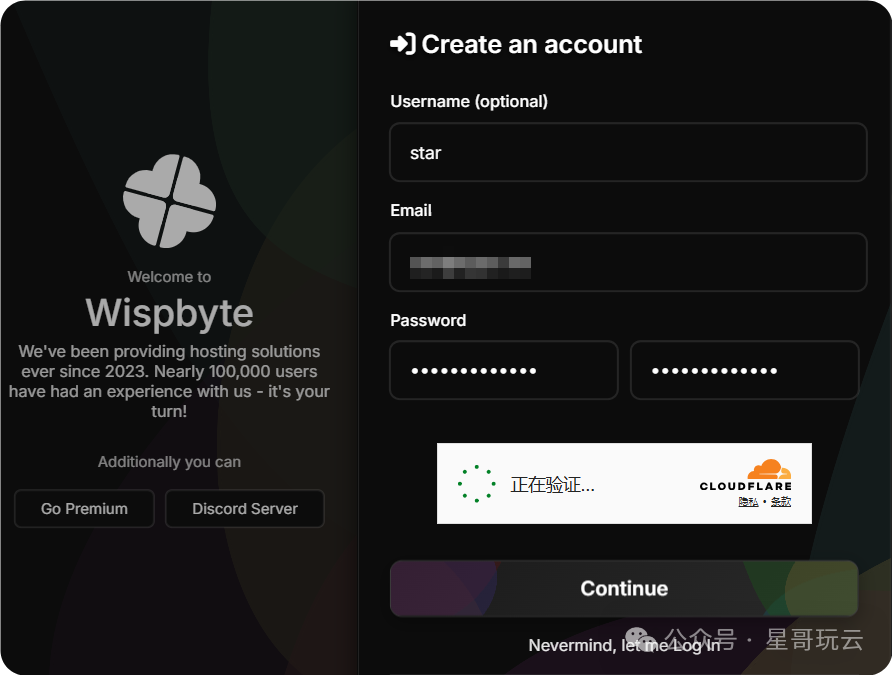
发送邮箱验证码
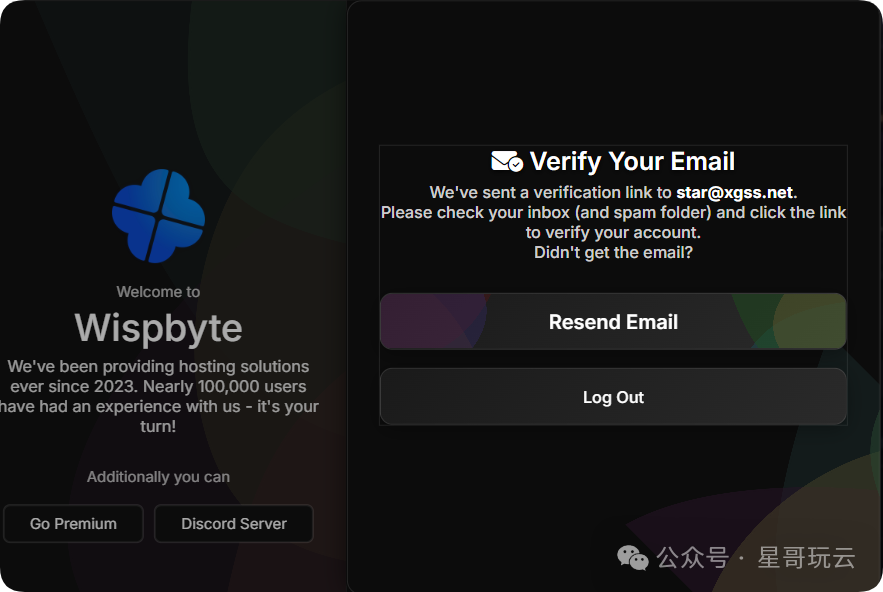
3.验证邮箱
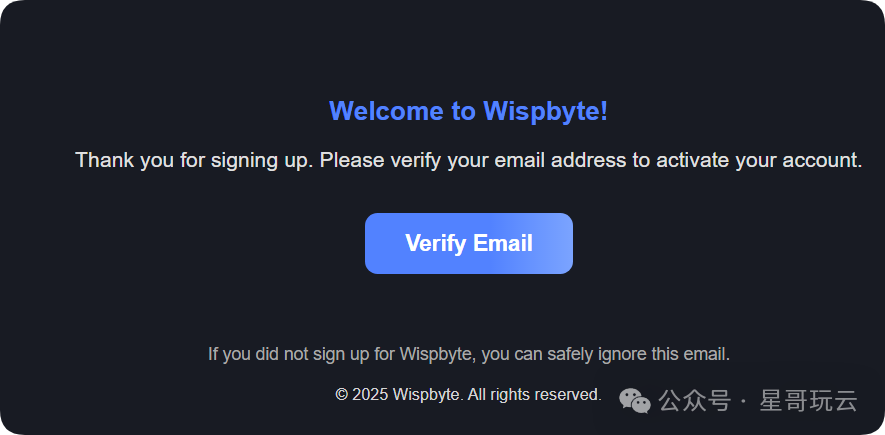
验证邮箱:登录注册邮箱,找到官方发送的验证邮件,点击验证链接激活账号;
账号注册成功,登录。
创建免费服务器
1.登录
点击CREATE
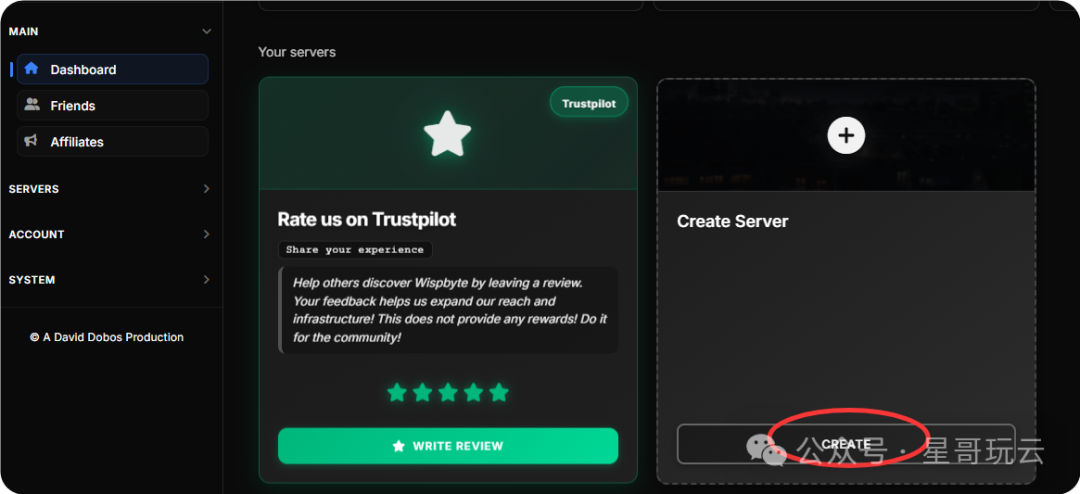
随便写一个名字
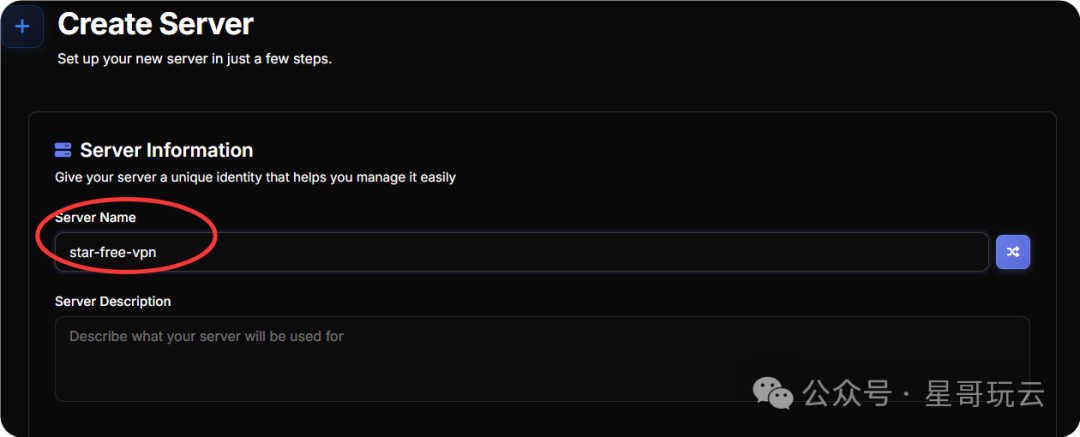
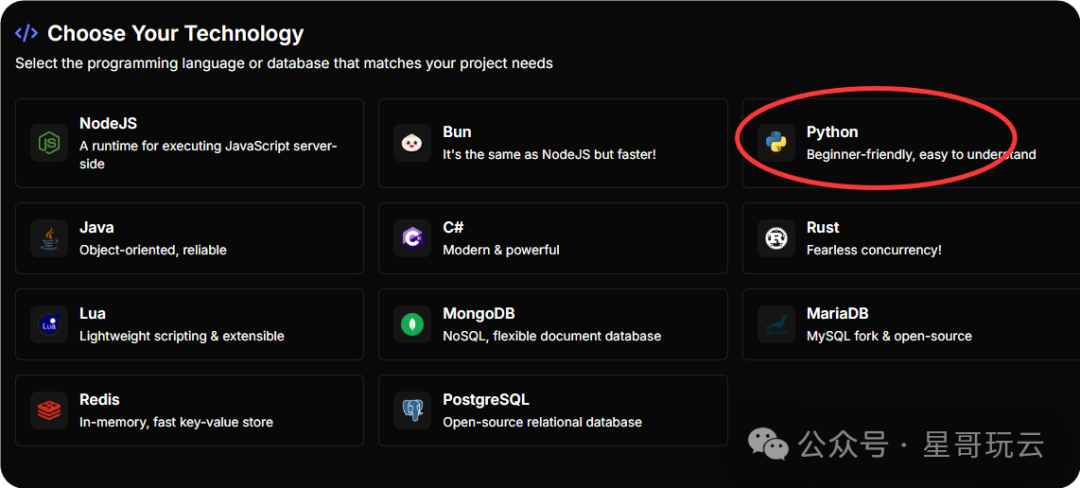
2.选择技术栈
这里可以选JAVA 、 Python、 Nodejs等技术栈
后台也可以修改
我这选择Java
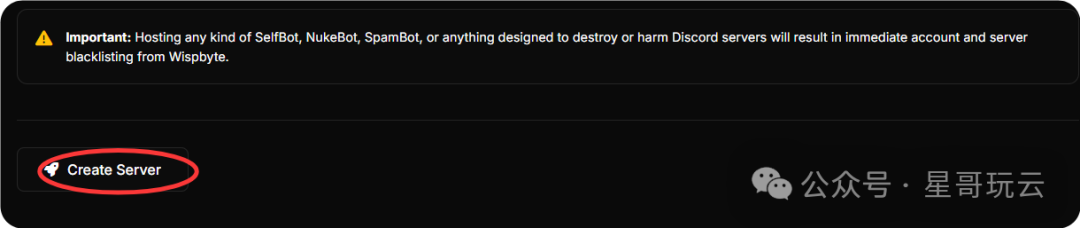
点击Create Server 创建成功。
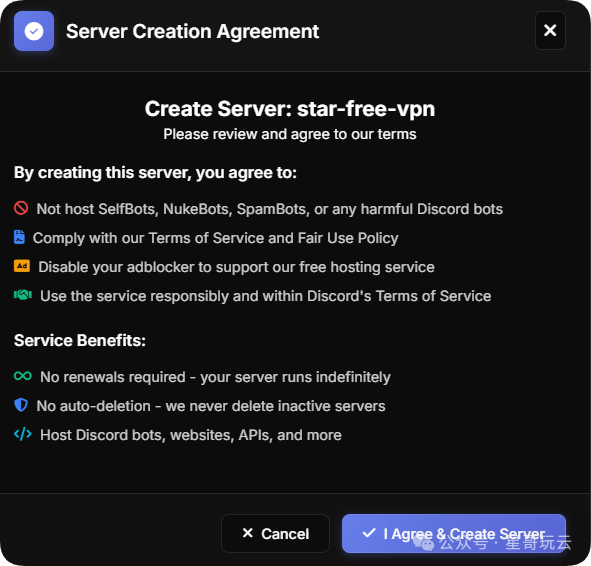
同意。
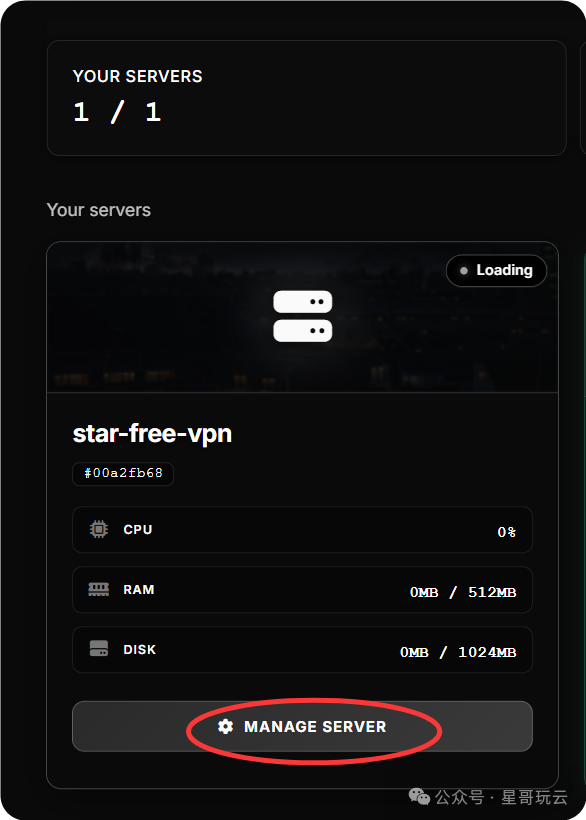
部署JAVA应用
我们来部署一个RSS项目,github中有一个开源的RSS项目
开源项目地址: https://github.com/Athou/commafeed
什么是RSS
RSS 的全称是 Really Simple Syndication,中文常译为简易信息聚合,它是一种用于分发和同步网页内容的 XML 格式标准。
简单来说,RSS 就是把你关注的网站(比如博客、新闻站点、技术论坛)的最新更新内容,打包成一个统一格式的文件(通常后缀为 .xml 或 .rss)。
用户不用逐个打开这些网站,只需要通过 RSS 阅读器 订阅这个文件,就能一站式获取所有订阅源的最新内容,避免了频繁刷网页、被广告干扰的麻烦。
1.下载RSS源码
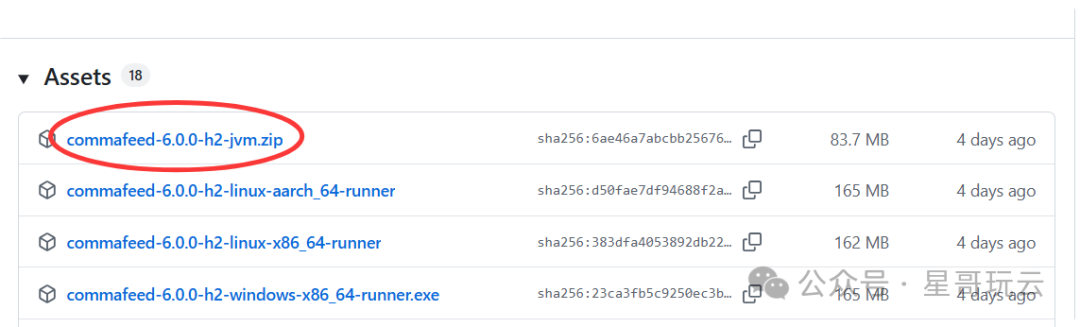
进入releases中下载zip的文件
https://github.com/Athou/commafeed/releases
2.修改端口
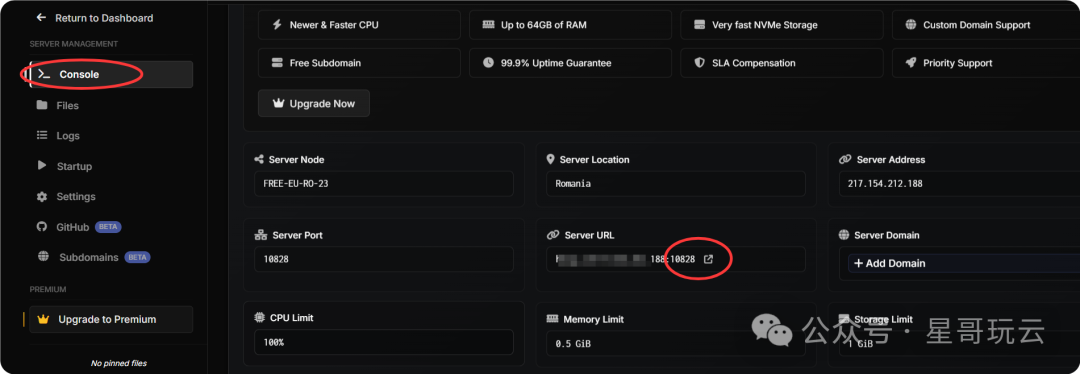
这里有个需要注意的地方,就是服务器端口是无法选择的,这里改成免费服务器的端口,笔者的是“10828”
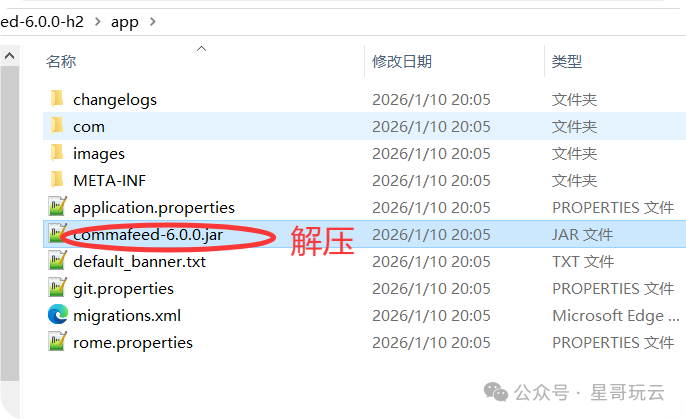
把解压包里面:
解压: commafeed-6.0.0-h2-jvm.zip\commafeed-6.0.0-h2\app\commafeed-6.0.0.jar
修改application.properties文件:
# http
quarkus.http.port=8082 改成 10828
quarkus.http.test-port=8085
quarkus.http.enable-compression=true
quarkus.http.enable-decompression=true
3.上传文件
上传修改好的文件

解压
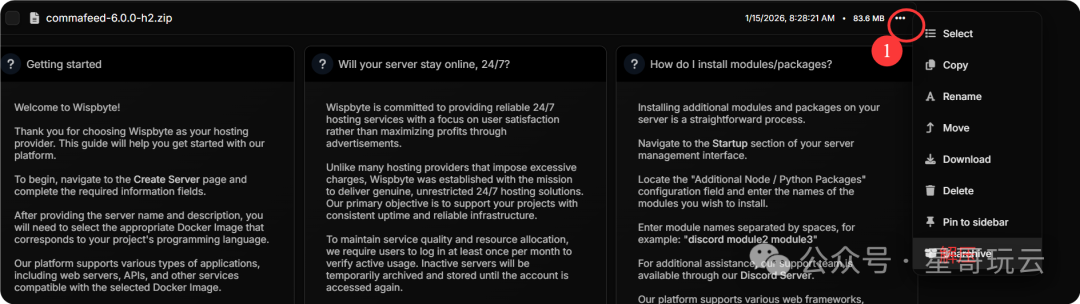
4.启动命令
java -Dterminal.jline -Dterminal.ansi=true -jar commafeed-6.0.0-h2/quarkus-run.jar
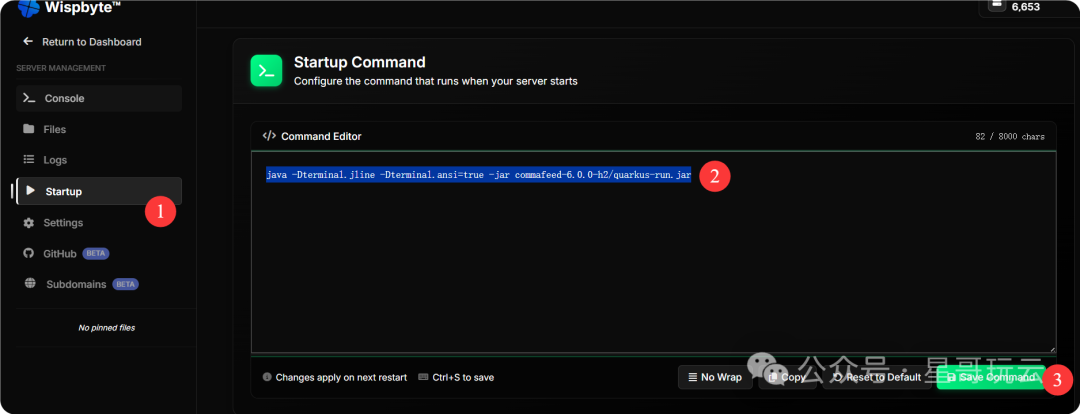
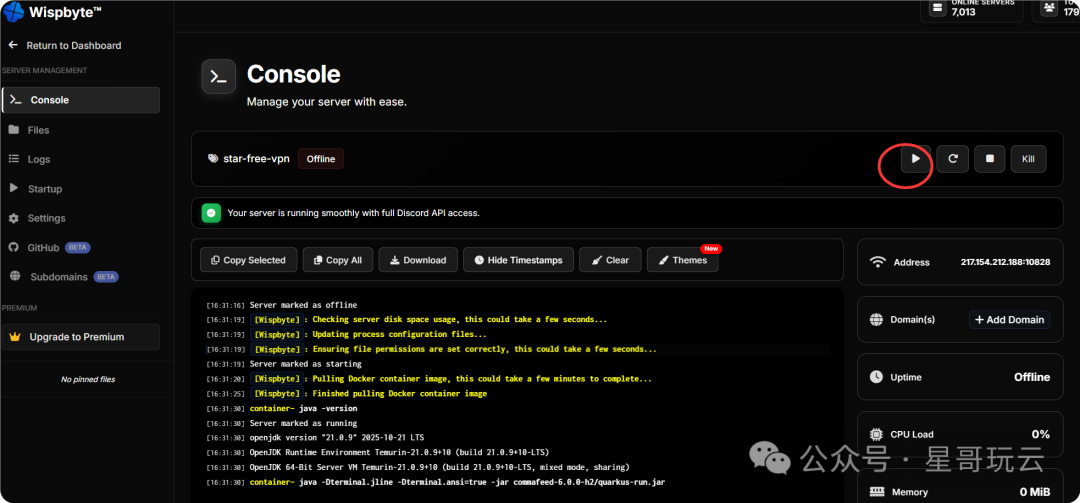
报错:
[16:36:23]Server marked as offline
[16:36:24][Wispbyte]: Checking server disk space usage, this could take a few seconds...
[16:36:24][Wispbyte]: Updating process configuration files...
[16:36:24][Wispbyte]: Ensuring file permissions are set correctly, this could take a few seconds...
[16:36:24]Server marked as starting
[16:36:24][Wispbyte]: Pulling Docker container image, this could take a few minutes to complete...
[16:36:29][Wispbyte]: Finished pulling Docker container image
[16:36:36]container~ java -version
[16:36:36]Server marked as running
[16:36:36]openjdk version "21.0.9" 2025-10-21 LTS
[16:36:36]OpenJDK Runtime Environment Temurin-21.0.9+10 (build 21.0.9+10-LTS)
[16:36:36]OpenJDK 64-Bit Server VM Temurin-21.0.9+10 (build 21.0.9+10-LTS, mixed mode, sharing)
[16:36:36]container~ java -Xms256m -Xmx512m -Dterminal.jline -Dterminal.ansi=true -jar commafeed-6.0.0-h2/quarkus-run.jar
[16:36:41]Server marked as offline
[16:36:44][Wispbyte]: ---------- Detected server process in a crashed state! ----------
[16:36:44][Wispbyte]: Exit code: 1
[16:36:44][Wispbyte]: Out of memory: false
[16:36:44][Wispbyte]: Checking server disk space usage, this could take a few seconds...
[16:36:44][Wispbyte]: Updating process configuration files...
[16:36:44][Wispbyte]: Ensuring file permissions are set correctly, this could take a few seconds...
[16:36:44]Server marked as starting
[16:36:45][Wispbyte]: Pulling Docker container image, this could take a few minutes to complete...
[16:36:48][Wispbyte]: Finished pulling Docker container image
[16:36:57]container~ java -version
[16:36:57]Server marked as running
[16:36:57]openjdk version "21.0.9" 2025-10-21 LTS
[16:36:58]OpenJDK Runtime Environment Temurin-21.0.9+10 (build 21.0.9+10-LTS)
[16:36:58]OpenJDK 64-Bit Server VM Temurin-21.0.9+10 (build 21.0.9+10-LTS, mixed mode, sharing)
[16:36:58]container~ java -Xms256m -Xmx512m -Dterminal.jline -Dterminal.ansi=true -jar commafeed-6.0.0-h2/quarkus-run.jar
[16:37:02]Server marked as offline
[16:37:06][Wispbyte]: ---------- Detected server process in a crashed state! ----------
[16:37:06][Wispbyte]: Exit code: 1
[16:37:06][Wispbyte]: Out of memory: false
[16:37:06][Wispbyte]: Aborting automatic restart, last crash occurred less than 60 seconds ago.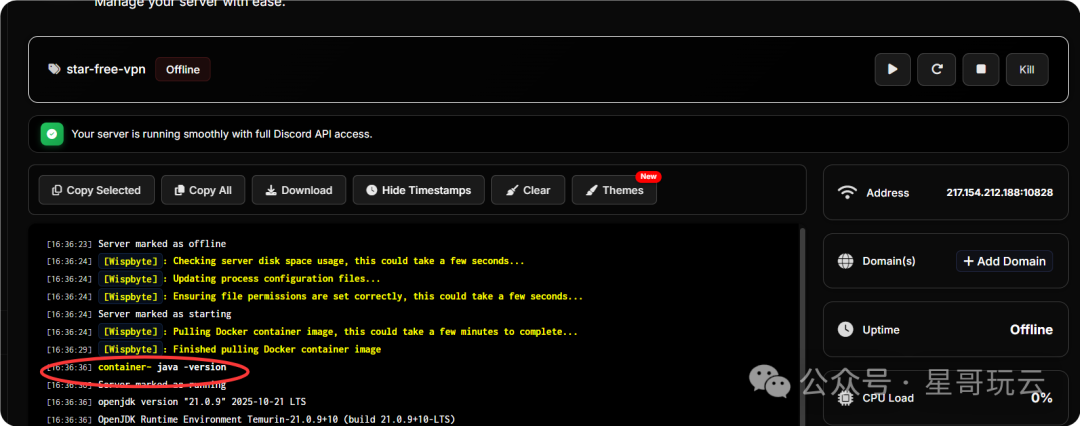
算了就这样吧,有时间再尝试其他的项目。

 支付宝微信扫一扫,打赏作者吧~
本文链接:https://www.kinber.cn/post/6166.html 转载需授权!
推荐本站淘宝优惠价购买喜欢的宝贝:

 您阅读本篇文章共花了: